
JATObservatory All Sky & Meteor Cam

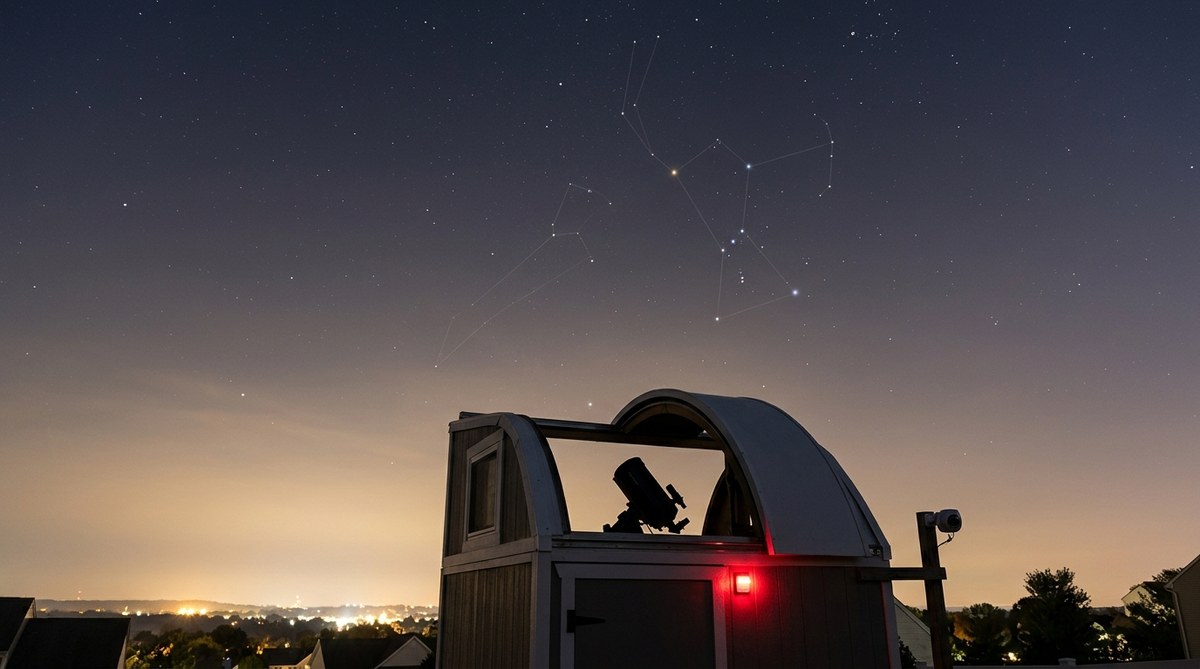
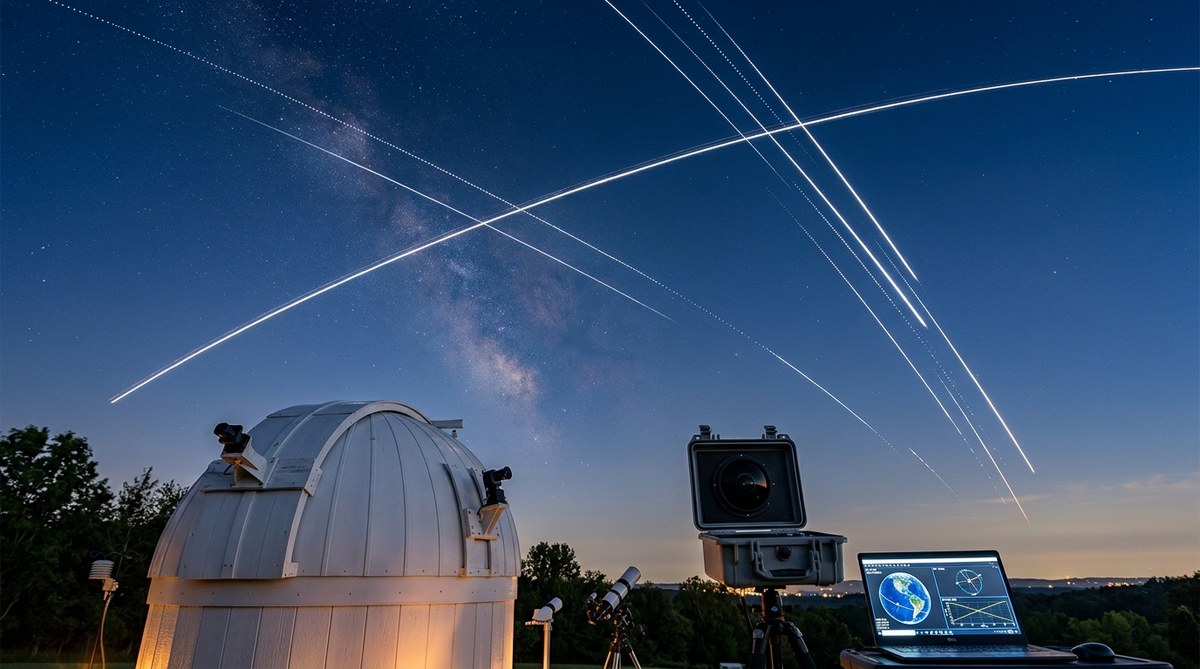
Hopefully you are seeing a clear sky with stars and not a cloudy sky. If you watch long enough you will see aircraft, satellites or a meteor. They show up as streaks across the sky. The really bright long streaks  are usually planes. The dimmer long streaks are satellites. The meteors usually show up as short streaks with medium to dim brightness. The satellites are visible just after it gets dark and just before it gets light. The meteors can appear pretty much anytime. After 10:30 of 11:00pm local time the aircraft traffic will diminish.

A big round bright white circle is the Moon. If the circle has a black background with a vertical spike, that means the pixels in that column have been saturated. This happens when one area of the camera's CCD chip  has been exposed to a bright light such as the moon.  If the bright circle has a light background covering the rest of the screen that indicates the moon is out, but the sky is very cloudy.

If the image is all grey or white with no curves at the edges, or full of horizontal lines, that means the camera is being exposed to a sky that is too bright.   This will occur if the camera is started before it gets dark, or does turn off and continues to run after dawn.  (That really shouldn't happen as I have adjusted the start  and stop times so the only captures images when it dark enough.)

It is also important to know the image you were looking at is not processed. No dark frame subtraction, no bias frames , no flats.  So that means you'll see dust modes,  water spots reflections and noise (Because of the increase in temperature during the summer and because the Meteor Cam is not equipped with a Peltier cooler,  more little white specks can be seen in the image, the specks are known as dark current noise).  There is a lot more info buried in the image than what is shown on the website. The image on the website is a JPG and it compressed to be web-friendly.  Images are archived for at least 30 days.


If the image is static and doesn't update that means the camera is not connected to the internet. The reasons this will occur are:
1. It's cloudy so it is not worth wasting bandwidth to upload pictures of the underside of clouds.
2. The computer or camera it is attached to is malfunctioning.
3. The camera is being used to record meteors and satellites.  That is what the camera was actually purchased for. When the camera is being used by the observatory a message may be displayed on the website.  

To learn a bit more info about the camera and to see a movie of the night sky from this camera click here. 

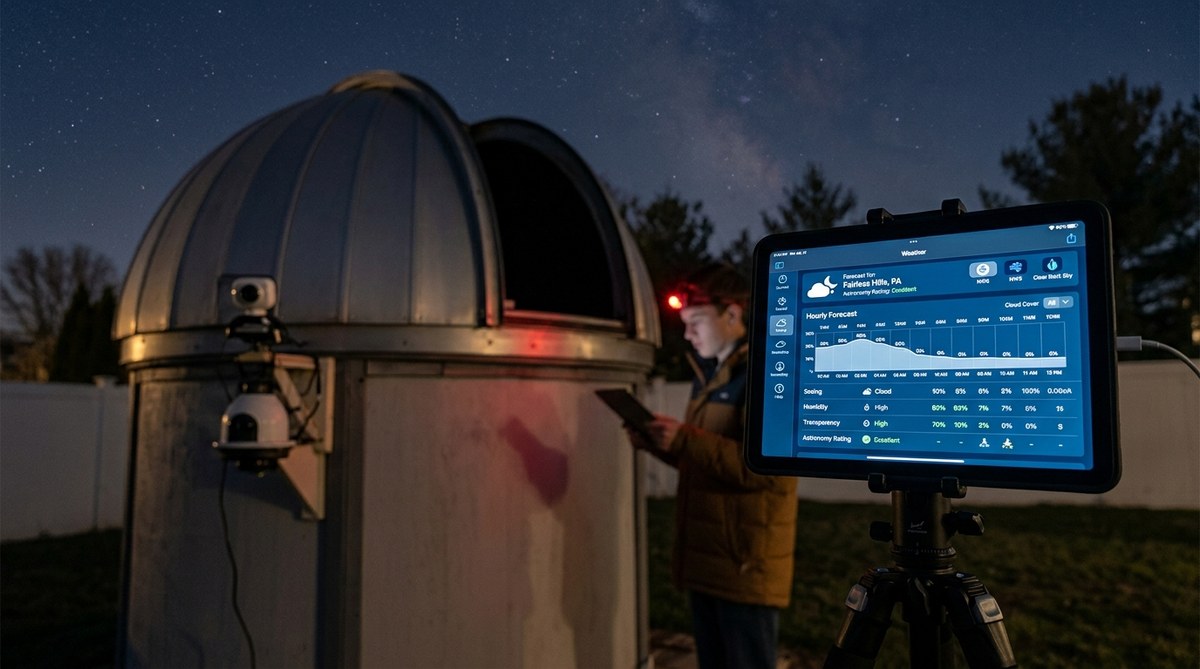
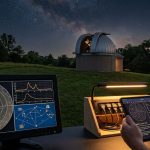
The Boltwood cloud and temperature chart was included on this page as a comparison for the All Sky Cam. You can use the "Clear Sky and Temp Graph" to verify the local sky conditions as well as what the All Sky cam is seeing.  If the image is washed out with a lot of white that's a sure sign it's "very cloudy". You can check the graph for verification. If will show you if the sky is "Clear", "Cloudy" or "Very Cloudy". 
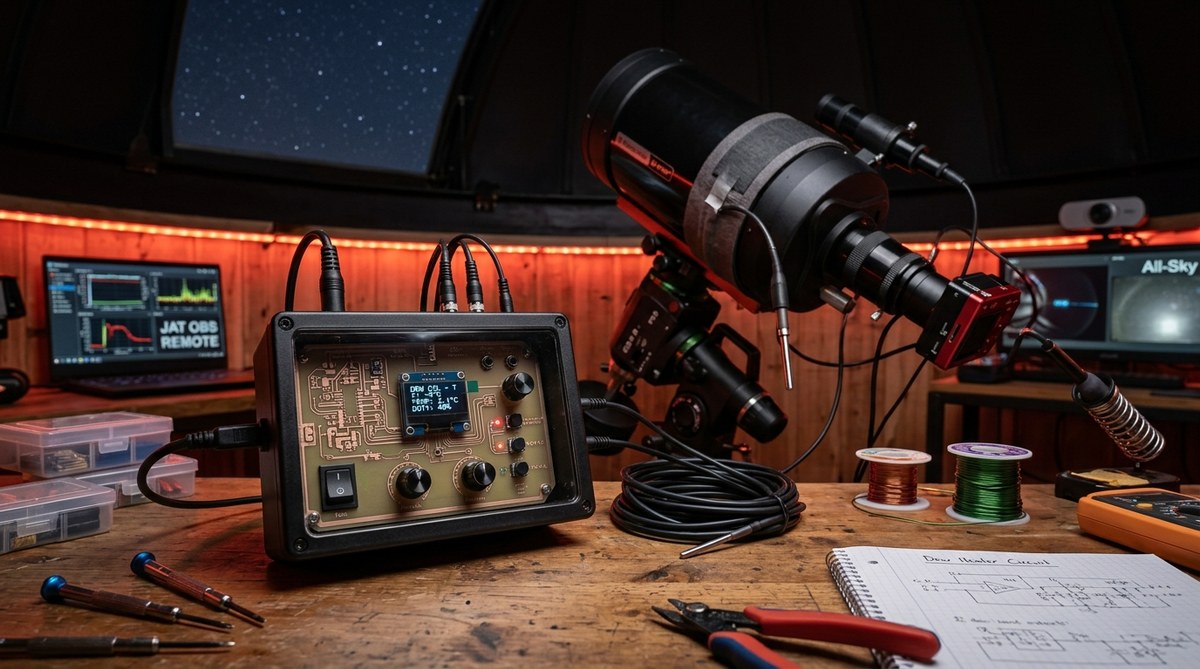
(It should be noted the camera can show high clouds that are not easily visible to the naked eye or that aren't visible to the cloud sensor at all.)  The  graph will also tell you if  there is "Rain" or "Snow" present, along with the current temperature. If the image has spots or looks a bit like Swiss Cheese around the edges check to graph to see if it has rained recently. If so the filter more than likely has not dried off yet. What you are seeing are drops of water on the filter cover glass. The filter cover is heated but is not enough to quickly dry the cover.  The heater does prevent condensation. The  AC power supply also generates heat that helps with the condensation. Unfortunately since it sits below the camera it warms the CCD chip and helps produce noise.

The Clear Sky Clock is a prediction of what the sky will be like up to 3 days in advance. You can use the All Sky image and the Boltwood graph the see how accurate the Clear Sky Clock really is.

When the All Sky camera is active the image above will auto-update every 60 seconds.  Although the camera is operated by software, that software must be initialized manually everyday. So if it is not running, that simply means I forgot to restart it (hey you just can't get good help anymore). I hope to rewrite the script so it will run for 1 to 2 weeks on it's own at some point in the future.

Special thanks to Ron Wodaski for providing the "plug-in" for CCDSoft
that allows the image to be saved in JPG format which is web friendly.

Feel free to tell me what you think about the camera.

Click or use yor browser's back button to return to the All Sky Camera page.

Go to the JATObservatory Home page
Images are copyright protected and property of the JAT Observatory. They may not be used or reproduced in any manner without permission.
Updated 04/14/2008 - Please report broken links
webmaster@jatobservatory.org