

JATObservatory
Meteor Cam

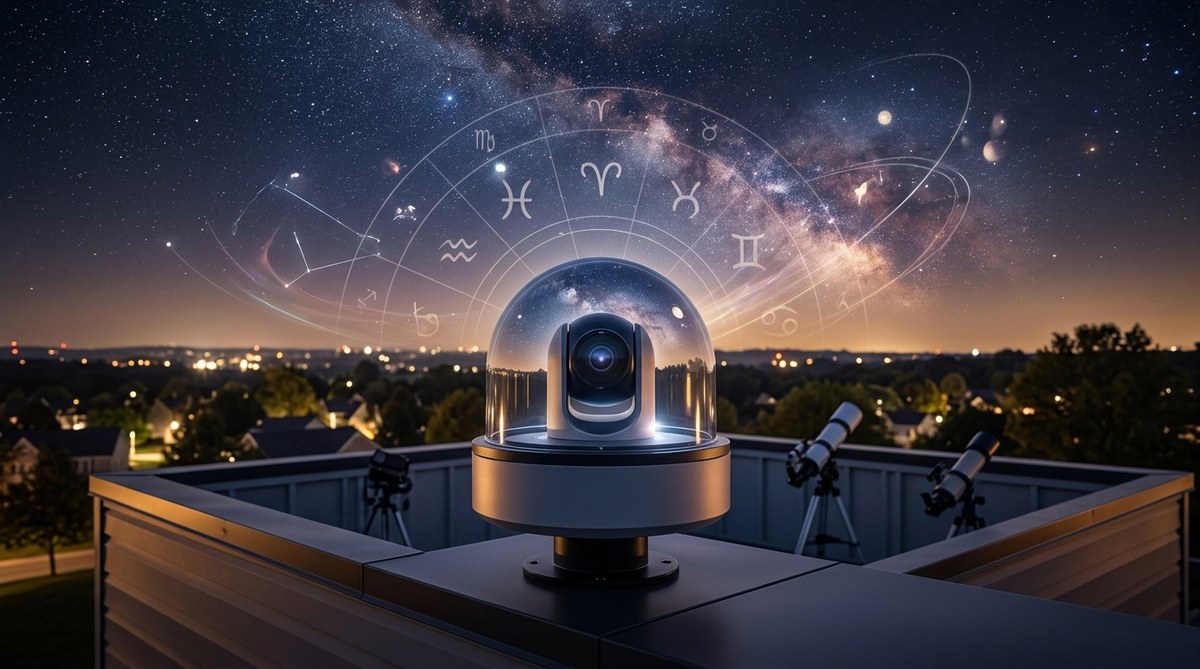
Meteors and other objects such as satellites that move
across the sky are automatically imaged by the
SBIG All Sky and Meteor Camera
installed at the observatory.
Between 9:00pm and 4:45am
eastern the camera will auto-upload images to the website every 3 minutes.
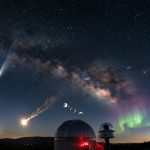
The image above was
taken with the camera from my very light polluted back yard sky. When the above
image was taken the camera had not been permanently mounted yet. It was just
sitting on a table in backyard.
On the left you can see the dome which is toward the East. Down and to the right
of the dome is a triangle of 3 bright stars (from left to right) they are;
Altair, Vega and Rasalgethi. You can also see the Milky Way running thru the
triangle. On the far right near the trees the bright strike is plane heading
West. Notice the dashed line pattern from it's flashing lights. Also see how
well lit the trees are from the local light pollution? Just consider this
image was taken at 3 am! (That is the reason a dome was chosen instead of a
roll-off as the observatory structure to help block the local light pollution.)
In the lower right of the 3 star triangle you can see a meteor or
something heading South. You can place the mouse over the image above to see the
labels.
The camera (which is contained in a weather proof case) is
operated in two modes. Mode 1 is in meteor mode. It takes 20 second images of
the sky all night long. If it sees a meteor or satellite it will save that image
to the weather station's hard drive. The amount of movement that will trigger
the save is based on user supplied parameters. The length of each exposure can
also be set by the user. The image above was a 20 seconds. In this mode
the camera will routinely capture between 80 to 90 images a night. The software
that controls the camera in this mode was supplied with the camera by SBIG.
The second mode I refer to as All Sky mode. In this mode the camera takes an
exposure, and then uploads the image to the website. The camera will then pause
and begin the sequence again. The length of the exposure and the length of the
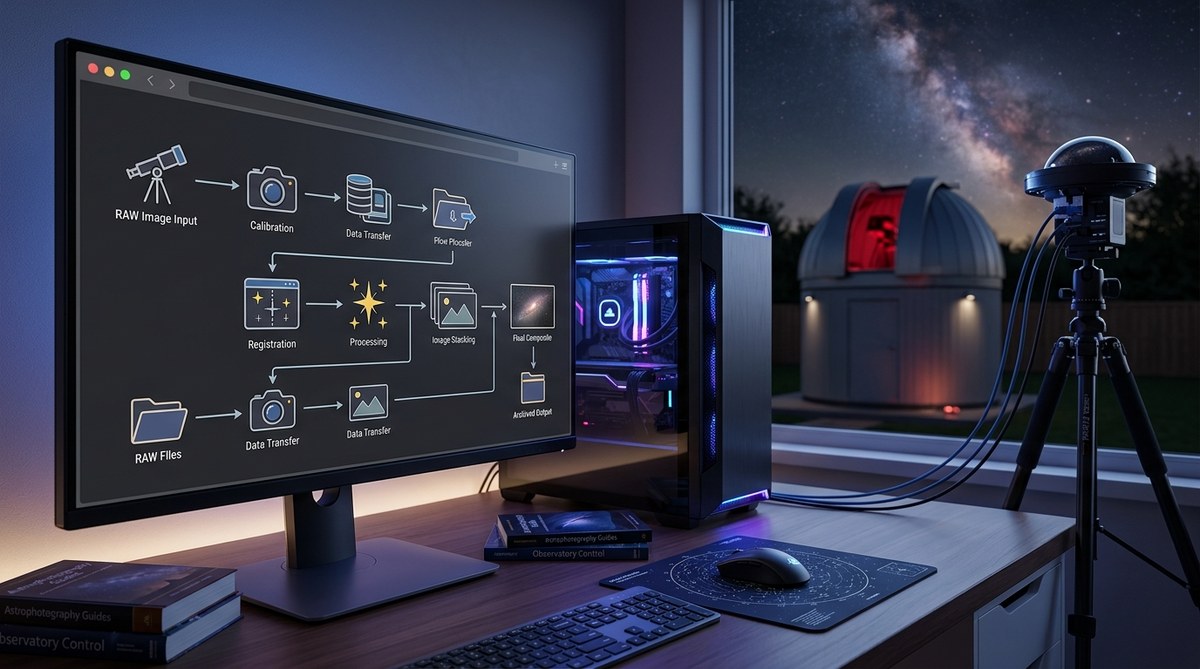
pause are user selectable. It takes a number of pieces of software to operate
the camera in the All Sky mode and get the images to the website. A simple
script was written using
SBScripter6 which is included with the
MPO
Connections package. SBScripter is the interface to the
CCDSoft camera control
software and used to control the camera in All Sky mode.
Ron Wodaski provided
a script that saves the raw image taken with CCDSoft in JPG format. Another
piece of software called
Webdrive is then
used to map a folder on the website as a drive on the local PC the camera is
attached to. CCDSoft writes the JPG images to the mapped drive in effect
automatically uploading them to the website. The process will then pause for 3
minutes before it takes another image. This will continue until the user
specified time in script and the the camera will be disconnected. The All Sky
mode is really only useful for watching the stars and clouds, because it
will miss a lot moving objects in this mode as it spends more time paused than
it does taking images. Here is a screen shot
of the programs running on the weather station computer that are used to
control current control the All Sky cam. The movie at the bottom of the page was
captured using this mode with 20 second exposures and 5 minute pauses.
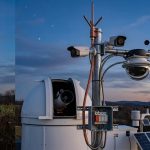
Above, the All Sky Cam can be seen mounted in its new home. This
location proved to be better than just having the camera on a table at ground
level as far as the camera's view of the sky goes, but a step ladder is needed
to clean the filter. The white cable is the AC power cord. The grey cable is a
CAT-5 Ethernet cable that is used to connect the 2 USB extenders. (move
your mouse over the door to look inside).
A top view of the meteor Cam. The filter widow is the dark red
rectangle on the top of the case. Since to picture was taken the second screw
was inserted it the left hole and the mounting tab and exposed nut and
washer have been covered with back tape in an effort to reduce the reflections
on the filter surface. The cloud sensor
can just be seen in back and to the right of the Sky Cam. The Sky Cam will also
be used to help calibrate the cloud sensor. It will no longer be necessary to go
out side and look up in order to estimate the cloud density during the sensor
calibration procedure

This is the view of the sky from the camera's new location. The
dome of the observatory is no longer visible and a little less of the
trees are visible but a bit more of the house. The biggest problem with
the new location is the reflections on the filter. They can be seen in the image
above as hazy circles. The moving ones are caused by the Moon, The
stationary ones are reflections off of the house. The other problem is the
window on the house. When a light is turned on in the room the whole side of the
image is washed out. I will try and put some shielding around the outside of the
camera housing to stop the stray light.
The movie was taken over about 8 hours. Each
exposure is 20 seconds long with a 5 minute pause in between. There are 94
images in this animation. The version above is highly compressed with a fast
frame rate, this was done to keep the file size low (519 KB) so it would be web
friendly (the raw file is over 25 MB). Even though the file is highly compressed
the Milky Way can still be seen. If you look closely you will see a number
meteor flash by. You can also see Polaris as the stars rotate around.
|
|
Imaged Date: 11-17-2006 Imaged Time: 16:42:00 GMT Exposure: 20 seconds A close examination will reveal 2 streaks on the left side. Those streaks are 2 satellites in the same orbit. Click here to see a 4 frame 375 KB animated GIF of the satellites moving from South the East. The streak in the center moving from East to West is an aircraft (notice the evenly spaced dots in the streak? They are the strobe lights). These satellites would have been visible to the naked eye and would have remained visible for about 45 seconds. |
| Imaged Date: 08-11-2007 Imaged Time: 01:46:00 GMT Exposure: 20 seconds The bright streak on the right is one of the Perseid meteors. The Milky Way can be seen stretching from top to bottom on the left side.
|
![]() |
Go to the
JATObservatory
Home page
Images are copyright
protected and property of the JAT Observatory. They may not be used or
reproduced in any manner without permission.
Updated
01/01/2008
- Please report broken links
webmaster@jatobservatory.org