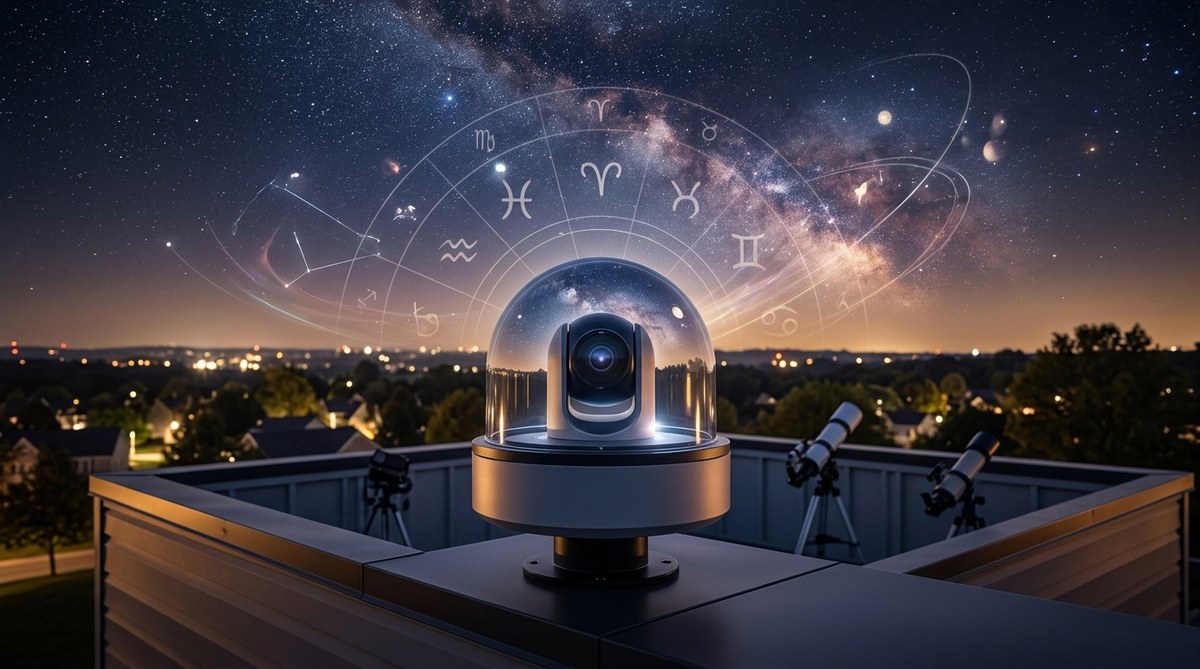


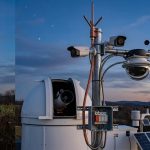


| Low light video cameras are very useful for astronomy. They can be used for imaging the sky and for monitoring the observatory functions. For the monitoring a Black & White GStar-EX Video Camera is used. This camera monitors the position of the dome's slit to insure it is correctly positioned in front of the telescope's aperture (the importance of this is obvious). This camera is also used to see if there are obstructions between the telescope and the targeted object. |
|
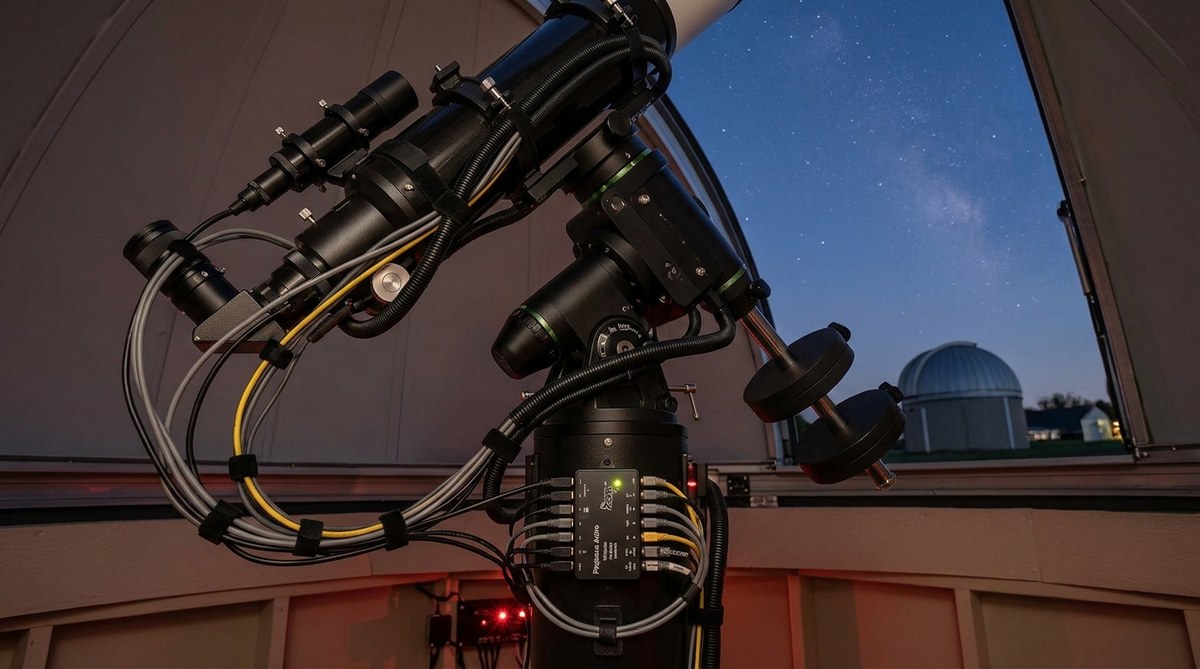
Here the GSTAR-EX
camera can be seen hanging down off to the side of the Stellarvue
102mm APO. The camera is attached to a Losmandy
DCM1 adjustable
camera mount which is attached to a Losmandy DM10 dovetail plate. The
dovetail plate is bolted to the top of the clamshell rings that hold the
SV102A.
Attached to the front of the camera is a Tamron 2.6mm lens. It is this lens that provides the wide field views needed to monitor the dome's slit and sky beyond. The video and RS485 cables can be seen connected to the back of the camera. ► |
|
![]() |
◄ In the image on
the left the telescope's target is M42 (The Great Orion Nebula). The GSTAR-EX
camera shows the telescope has a clear view of the target. The dome's slit
is position correctly and there are no terrestrial obstructions such as
trees or houses blocking the view. A
closer inspection of the image reveals the 3 stars in "Orion's Belt"
just to the left of the upper telescope. The dark semi-circle seen in the lower portion of the image is dew shield for the 10" SCT. |
|
The GSTAR-EX camera
is being used here to monitor the sunset from the observatory.
The glow from
the setting sun is seen above the houses and behind the trees. |
![]() |
| Since the observatory is operated remotely another video camera is used as a finder. This camera (a Mallincam Hyper color) is connected to a modified Stellarvue F50 finder scope. The 50mm finder scope allows wide field views of the sky | |
| The MallinCam hyper is attached to the back of the Stellarvue F50 finder. The Thermal Electric Cooler switch can be seen on the lower right of the camera. The 7 and 14 second hyper integration switch is on the upper left. The F50 finder also has a dew heater strip just behind the dew shield. The keeps the objective from dewing up during the cooler weather. ► |
![]() |
![]() |
◄
M42 as
seen from the Mallincam Hyper color attached to the F50 finder. The video
finder allows the remote user to re-orientate them self should the
pointing program lose sync with its position in the sky. If the remote
user can identify a star in the display the pointing software can be
re-sync'ed to the star and the scope's coordinates.
The video from both the GTAR-EX and the Mallincam is routed to a SlingBox A/V unit. The Slingbox is connect to the local Lan and is addressable via it's IP address or unit name from the local network or the Internet. |
|
The MallinCam and the GSTAR-EX
share the same RS485
interface and video output arrangement. Each camera has S-video
and RCA composite video output. The S-video on the MallinCam is routed to
the Slingbox and RCA composite video is routed to a
Pinnacle Dazzle video capture box. The reverse is true for the GSTAR-EX
camera. The RCA video is connected to the Slingbox and the S-video out is
connected to the Dazzle. The nice feature of the Dazzle box is it is
Microsoft WDM image capture compatible. That means it will work with
programs like Guidedog,
PHD Guiding,
K3CCDTools,
Hocus Focus,
IRIS,
GSTAR Capture, Astrosnap and a host of other programs.
The dual input (S-Video and Composite video) allows either camera to be used for real-time video monitoring as well as video capture. The image above was captured using the Dazzle box connected to the WebcamFirst (free) program that captures the video stream and then automatically FTP'ed the image to the website. Since both cameras are very sensitive, the settings need to be adjusted depending on what is being viewed. This can be achieved manually by using the buttons on the back of the camera to adjust the gain, electronic shutters, labeling, color balance etc) The settings are displayed on the screen of the video output device connected to the camera. Besides the buttons being small and the user interface not being very user friendly, manual button presses are not an option since the observatory is operated 99% of the time via remote control. The good news is both cameras have an RS485 interface on the back which allows the settings to be adjusted remotely via a program (gstar-com.exe) on the remote PC. Since the interface to the camera is RS485 a converter is required to convert the RS485 signals from the camera to RS232 signals which the COM port on the PC is expecting. The connection from the PC's COM port is 9600,8,1N. The RS-232 to RS-485 adapter and AUX connector is shown below.
Now for the bad news, the gstar-com.exe program only works when the camera is connected to COM1. Since the observatory uses 2 video cameras having only one port defined as COM1 port was clearly a issue. The answer to the dilemma presented itself in the form of a DLI 20 port serial switch. The switch is controlled via an RS232 COM port on the PC. It allows any one of the 20 serial ports to be connect to the input port of the switch. The import port is connected to COM1 of the PC and the Mallincam was connected to Port A on the switch and the GSTAR-EX was connected to port B. |
![]() ▲ This image shows the Field of View (FOV) indicators generated by TheSky6. The outer white rectangle (largest) is the FOV for the Mallincam at 1x attached to the Stellarvue F50 finder. The next largest rectangle is the SBIG ST-2000XM attached to the Stellarvue 102mm refractor. The one at the top is the ST-237 which is the internal guide chip for the ST-2000XM. The circles show what guide stars would be visible if the ST-2000XM was rotated. The center rectangle is the FOV for the ST-402ME which is mounted to the 10" LX200GPS OTA @ F6.3 |
|---|
![]() Here is an actual image of the moon as seen through the unzoomed Mallincam. The FOV in the image very closely matches the FOV scale displayed by TheSky6 above. |
|---|
Updated 01/23/2008- Please report broken links webmaster@jatobservatory.org